ELEMENTARY SKILLS REPORT CARD
IMPORTANT TECHNICAL REMINDERS:
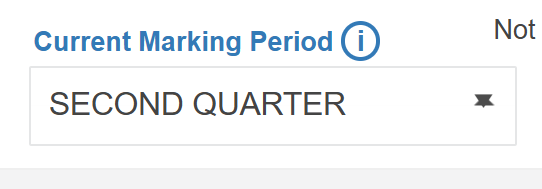
CURRENT MARKING PERIOD
Please make sure that for ALL your Gradebooks: ELA, MAT, SCI, SS, & SchlResp – your CURRENT MARKING PERIOD is set to 2nd Quarter.
ENTERING SKILLS GRADE
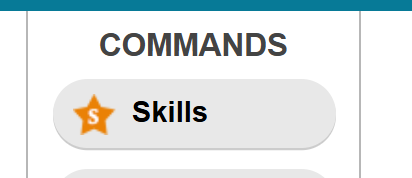
SKILLS: For all classroom teachers, please enter your grades in the Skills section of each of your gradebooks.
GRADE TABLES:
ENTERING GRADES: Click on a cell and enter the grade for each student. Or right-click on the cell and select the grade to enter for each student.
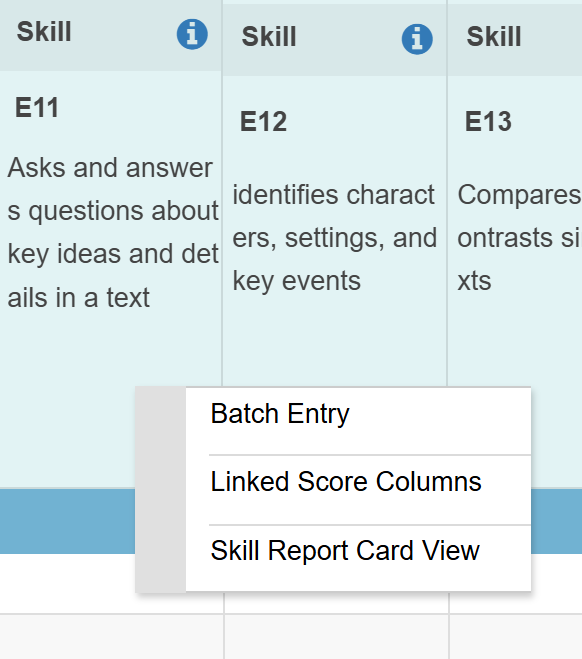
BATCH ENTRY: Right click on the blue area of each Skills’ Header to enter Batch Entry mode. You can batch enter a grade for all your students and then change only the ones with a different grade.
SAVE AND VERIFY: Please do not forget to Save and Verify before exiting the window.
Again, please make sure that when you enter a Gradebook that your CURRENT MARKING PERIOD is set to 2nd QUARTER before going into the Skills Section.
COMMENTS & NARRATIVES:
TO ENTER NARRATIVES:
Go into your ELA GRADEBOOK: Narratives should be entered in the ELA Gradebook for it to show in the Report Cards
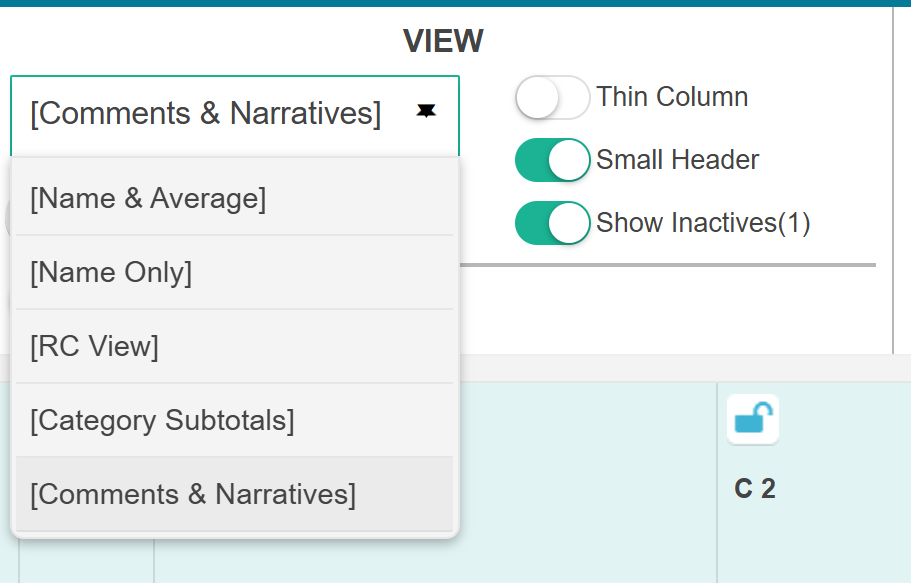
Go to the View section and select “Comments & Narratives”
Click on an icon and enter your Narrative in the 2nd Quarter section
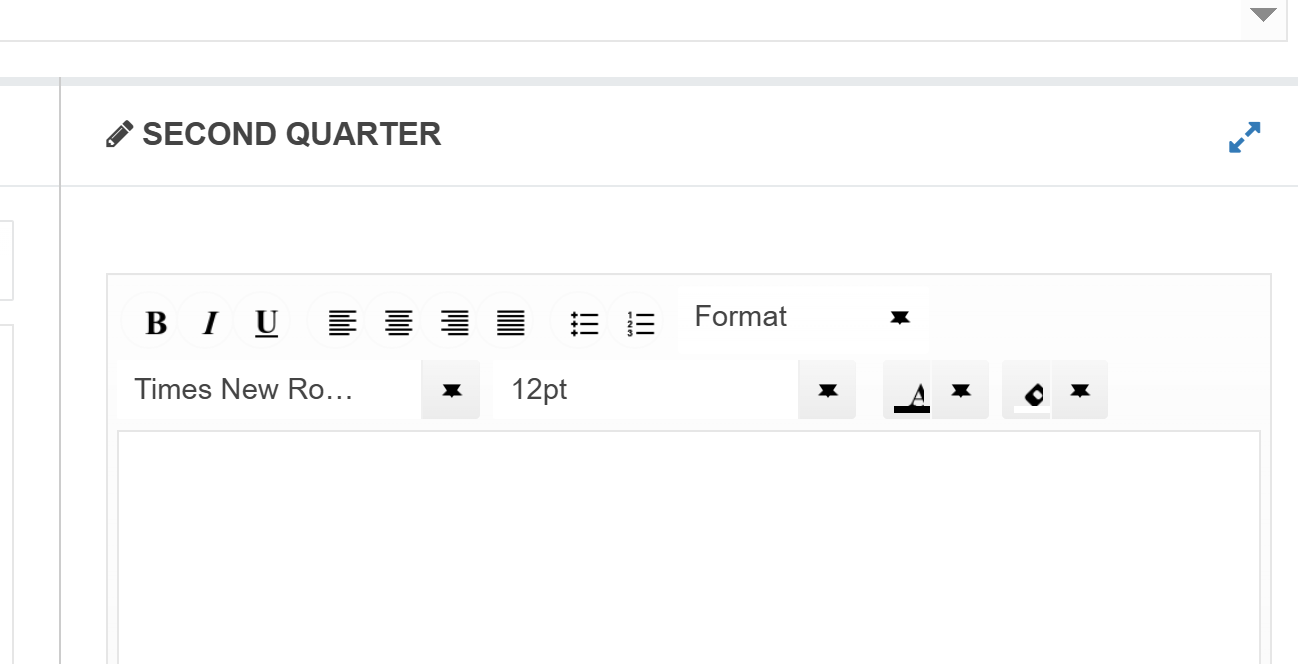
TIP: You can write your Narratives in GoogleDocs and copy and paste them into the Gradebook.
Was this article helpful?
That’s Great!
Thank you for your feedback
Sorry! We couldn't be helpful
Thank you for your feedback
Feedback sent
We appreciate your effort and will try to fix the article